International SIM Card Guide
Travelling abroad? Learn how international SIM cards and eSIMs work, how to choose the right plan, avoid roaming costs, and stay connected overseas.
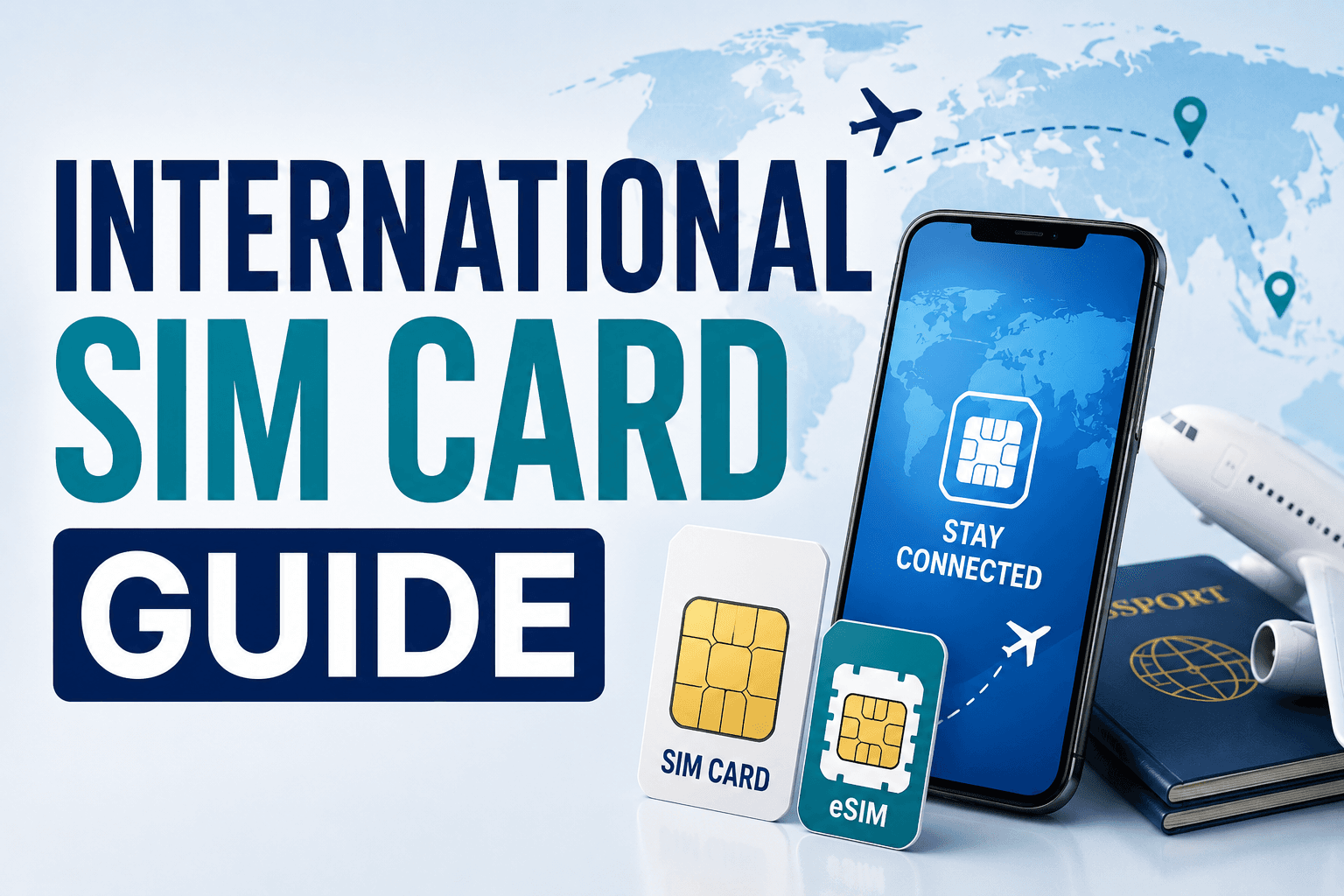
International SIM Card Guide: How to Stay Connected Abroad
Staying connected is an important part of international travel. Whether you need internet access for maps, flight updates, hotel bookings, messaging, or contacting family, having a reliable mobile connection can make your journey much easier.
For Pakistani travellers travelling abroad, there are several options to consider, including international roaming, local SIM cards, and international eSIMs.
This guide explains the main options and how to choose the right one for your trip.
What Is an International SIM Card?
An international SIM card is a SIM solution designed to provide mobile connectivity while travelling outside your home country.
Depending on the provider and plan, it may offer:
- Mobile data
- Calls
- SMS
- Coverage in multiple countries
- International roaming services
Some international SIM services use a physical SIM, while others provide an eSIM that can be installed digitally.
What Is an eSIM?
An eSIM is a digital SIM that is built into compatible smartphones and other devices.
Instead of inserting a physical SIM card, you purchase an eligible plan and install it electronically.
An eSIM can be particularly convenient for travellers because you can often arrange your connection before leaving home.
International SIM vs Local SIM
There are two common options when travelling abroad.
International SIM
An international SIM can provide connectivity across one or multiple countries without requiring you to purchase a new SIM in every destination.
It can be useful for:
- Multi-country trips
- Frequent travellers
- Short international trips
- Travellers who want to arrange connectivity before departure
Local SIM
A local SIM is purchased from a mobile operator in the destination country.
It may provide:
- Local phone number
- Local data package
- Local calling
- Local SMS
A local SIM can sometimes offer better value for longer stays, but availability and registration requirements vary by country.
International SIM vs Roaming
Another option is to keep your Pakistani SIM and activate international roaming.
This is convenient because you can continue using your existing number.
However, roaming charges can vary significantly depending on:
- Destination
- Mobile operator
- Roaming package
- Data usage
- Calls
- SMS
Before travelling, check your Pakistani mobile operator's international roaming rates and available packages.
Which Option Is Best?
There is no single best option for every traveller.
Your choice depends on your trip.
International SIM or eSIM May Be Useful If:
- You are visiting multiple countries.
- You want connectivity immediately after landing.
- You want to arrange your mobile plan before travelling.
- You mainly need mobile data.
Local SIM May Be Better If:
- You are staying for a longer period.
- You need a local phone number.
- You want a local calling package.
- A local operator offers better-value plans.
Roaming May Be Convenient If:
- You are travelling for a short period.
- You need to keep your existing number active.
- Your operator offers an affordable roaming package.
- You prefer not to change SIM settings.
Check Whether Your Phone Supports eSIM
Before purchasing an eSIM, confirm that your smartphone supports eSIM functionality.
Not every phone model supports eSIM, and availability can also depend on the device version and region.
Check your phone's official specifications or settings before purchasing a plan.
Make Sure Your Phone Is Unlocked
If you plan to use a foreign SIM card or eSIM, your phone may need to be network-unlocked.
A locked phone may restrict you to your existing mobile operator.
Check your device and operator requirements before travelling.
How to Buy an International SIM
You can purchase an international SIM through an appropriate provider before your trip.
Depending on the service, you may receive:
- A physical SIM card
- An eSIM QR code
- An activation code
- Installation instructions
- Account details
Read the instructions carefully before activating the service.
How to Install an eSIM
The exact installation process depends on your phone and eSIM provider.
A typical process may involve:
- Purchase an eSIM plan.
- Receive the activation information.
- Open your phone's mobile or SIM settings.
- Add a new eSIM.
- Scan the provided QR code or enter the activation details.
- Follow the setup instructions.
- Select the appropriate SIM for mobile data.
Complete the installation before travelling when possible, but check the provider's instructions because some plans begin their validity period upon installation or activation.
When Should You Activate Your SIM?
This depends on the provider.
Some plans activate immediately, while others begin when the device connects to a supported network in the destination country.
Always read the activation conditions before installing or activating your plan.
If you are unsure, avoid activating a plan too early and accidentally using part of its validity period before your trip.
How Much Mobile Data Do You Need?
Your data requirements depend on how you use your phone.
Light Usage
Suitable for:
- Messaging
- Occasional maps
- Basic browsing
Moderate Usage
Suitable for:
- Frequent navigation
- Social media
- Video calls
- Regular browsing
- Travel apps
Heavy Usage
May be required for:
- Video streaming
- Frequent video calls
- Large downloads
- Mobile hotspot usage
- Heavy social media use
If you have access to Wi-Fi at your hotel, you may not need a large mobile data package.
Check the Coverage
Before purchasing a plan, check which countries and networks are supported.
For a multi-country trip, make sure your plan covers every destination you intend to visit.
Also check whether coverage is available in the specific areas you plan to travel to.
Check the Validity Period
International SIM and eSIM plans can have different validity periods.
For example, a plan may be valid for a specific number of days from activation.
Choose a validity period that covers your entire trip, including your arrival and departure dates.
Check Data Limits
Not every plan provides unlimited high-speed data.
Some plans may include:
- Fixed data allowance
- Unlimited data with a speed limit
- Daily data allowance
- High-speed data followed by reduced speeds
Read the plan conditions carefully so you know what happens after your included data is used.
Can You Make Calls With an eSIM?
Not every travel eSIM provides traditional voice calls or SMS.
Many travel eSIMs are data-only.
This means you may need internet-based communication services for calls and messaging.
If you need a traditional phone number, check the plan details before purchasing.
Keep Your Pakistani SIM Active
Some travellers want to continue receiving calls or SMS on their Pakistani number while using an international SIM or eSIM for data.
If your phone supports dual-SIM functionality, you may be able to use your Pakistani SIM and travel eSIM together.
However, make sure your Pakistani SIM's roaming settings and charges are understood to avoid unexpected costs.
Avoid Unexpected Roaming Charges
When using a travel SIM or eSIM, check your phone's mobile data settings.
Make sure the correct SIM is selected for mobile data.
You can also disable data roaming on your Pakistani SIM if you do not need it.
This can help prevent accidental use of your home network's roaming service.
Using Your Phone for Navigation
Mobile internet is particularly useful for international travel because you can use navigation apps to:
- Find your hotel
- Locate airports
- Find restaurants
- Navigate public transportation
- Check routes
- Find attractions
Download offline maps when available so you have a backup if your mobile connection becomes unavailable.
Using Travel Apps
A reliable internet connection allows you to use important travel apps for:
- Flight information
- Hotel bookings
- Maps
- Translation
- Currency conversion
- Ride-hailing
- Communication
Install and sign in to important apps before leaving Pakistan.
International SIM Tips for Pakistani Travellers
Before travelling from Pakistan:
- Check whether your phone is unlocked.
- Confirm eSIM compatibility if using an eSIM.
- Compare international SIM and roaming prices.
- Check destination coverage.
- Check data limits.
- Check plan validity.
- Confirm activation requirements.
- Save installation instructions offline.
- Keep your Pakistani SIM safely stored if replacing it.
- Carry a charger and power bank.
What to Do If Your SIM Doesn't Work
If your international SIM or eSIM does not connect after arrival, check:
- Is the SIM enabled?
- Is the correct SIM selected for mobile data?
- Is data roaming enabled if required by the travel SIM?
- Is the destination covered by the plan?
- Does your phone have a network signal?
- Have you restarted the device?
- Does the provider require manual network selection?
- Has the plan been activated?
If the problem continues, contact the provider's support service.
Keep Your SIM Information Safe
If you use a physical SIM, keep it somewhere secure when it is not installed.
If you use an eSIM, keep your activation information private.
Avoid sharing QR codes, activation codes, or account credentials publicly.
International SIM Checklist
Before your trip, check:
- ✅ Phone is unlocked
- ✅ eSIM compatibility confirmed
- ✅ SIM or eSIM purchased
- ✅ Destination coverage confirmed
- ✅ Data allowance checked
- ✅ Validity period checked
- ✅ Activation instructions saved
- ✅ Roaming charges understood
- ✅ Pakistani SIM settings checked
- ✅ Important travel apps installed
- ✅ Offline maps downloaded
- ✅ Charger and power bank packed
Final Thoughts
Having reliable mobile connectivity can make international travel significantly easier.
For Pakistani travellers, the right choice may be an international SIM, eSIM, local SIM, or an affordable roaming package, depending on the destination, trip duration, phone compatibility, and communication needs.
Before travelling, compare your options carefully, check coverage and fees, and understand the activation conditions.
A little preparation before departure can help you stay connected from the moment you arrive at your destination.
Choose the right connection, stay connected, and travel with confidence.
Share this article
Keep Exploring
Related Articles

Riyadh Travel Guide for Pakistani Travellers
Planning a trip to Riyadh from Pakistan? Discover the best places to visit, visa information, flight options, accommodation, local transport, food and essential travel tips for a smooth journey.
2 October 2026

Saudi Arabia Travel Guide for Pakistani Travellers
Planning a trip to Saudi Arabia from Pakistan? Discover visa requirements, popular destinations, flights, accommodation, transportation, travel costs and essential tips for a smooth journey.
2 October 2026
Codeshare Flights Explained
Booked with one airline but flying on another? Learn how codeshare flights work, which airline operates your flight, where to check in, baggage rules and what travellers should check before departure.
18 September 2026
Need help planning your journey?
Contact New Umer Holidays Travel for flights, Umrah services, visa assistance, hotel bookings and travel insurance.